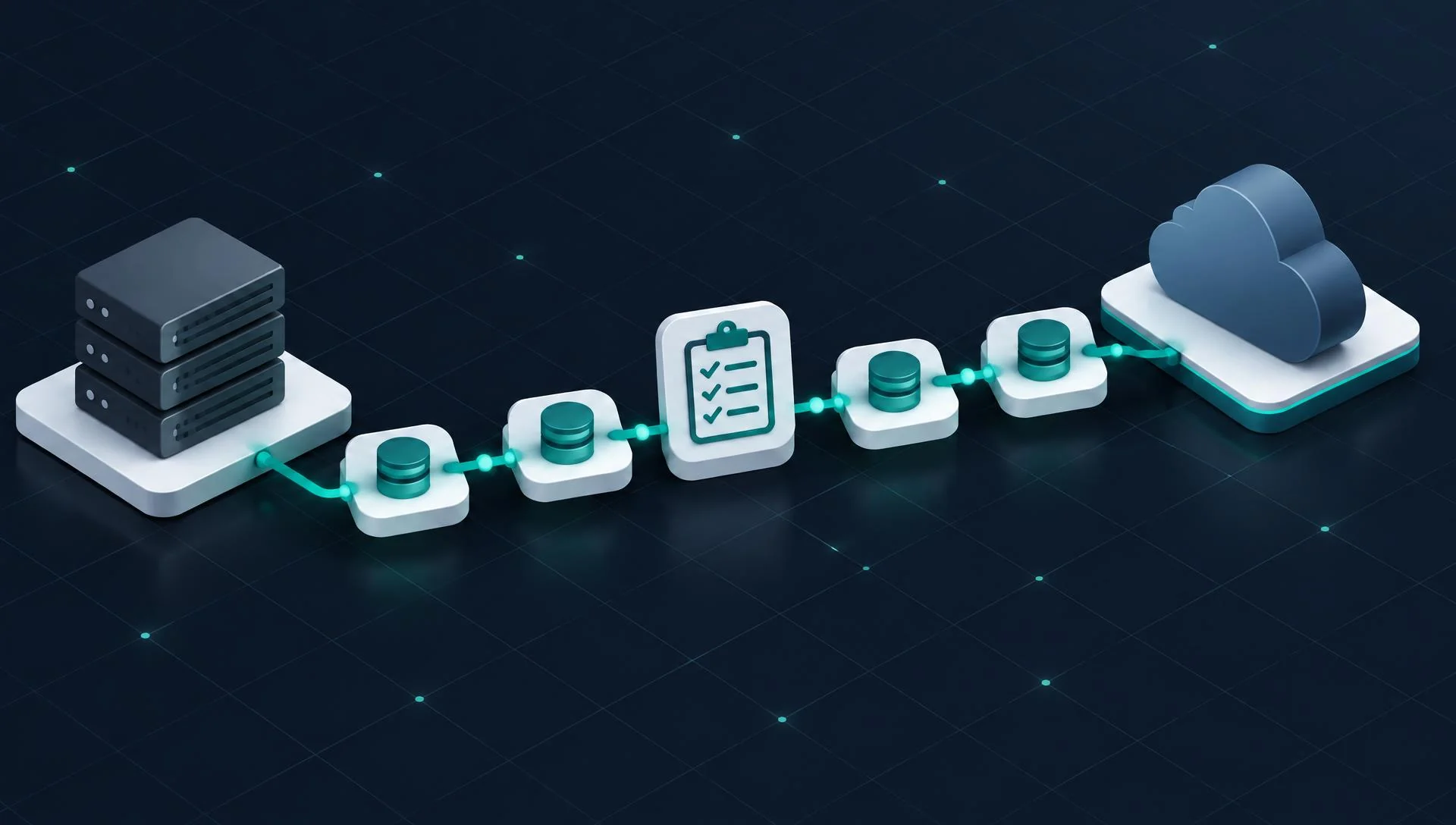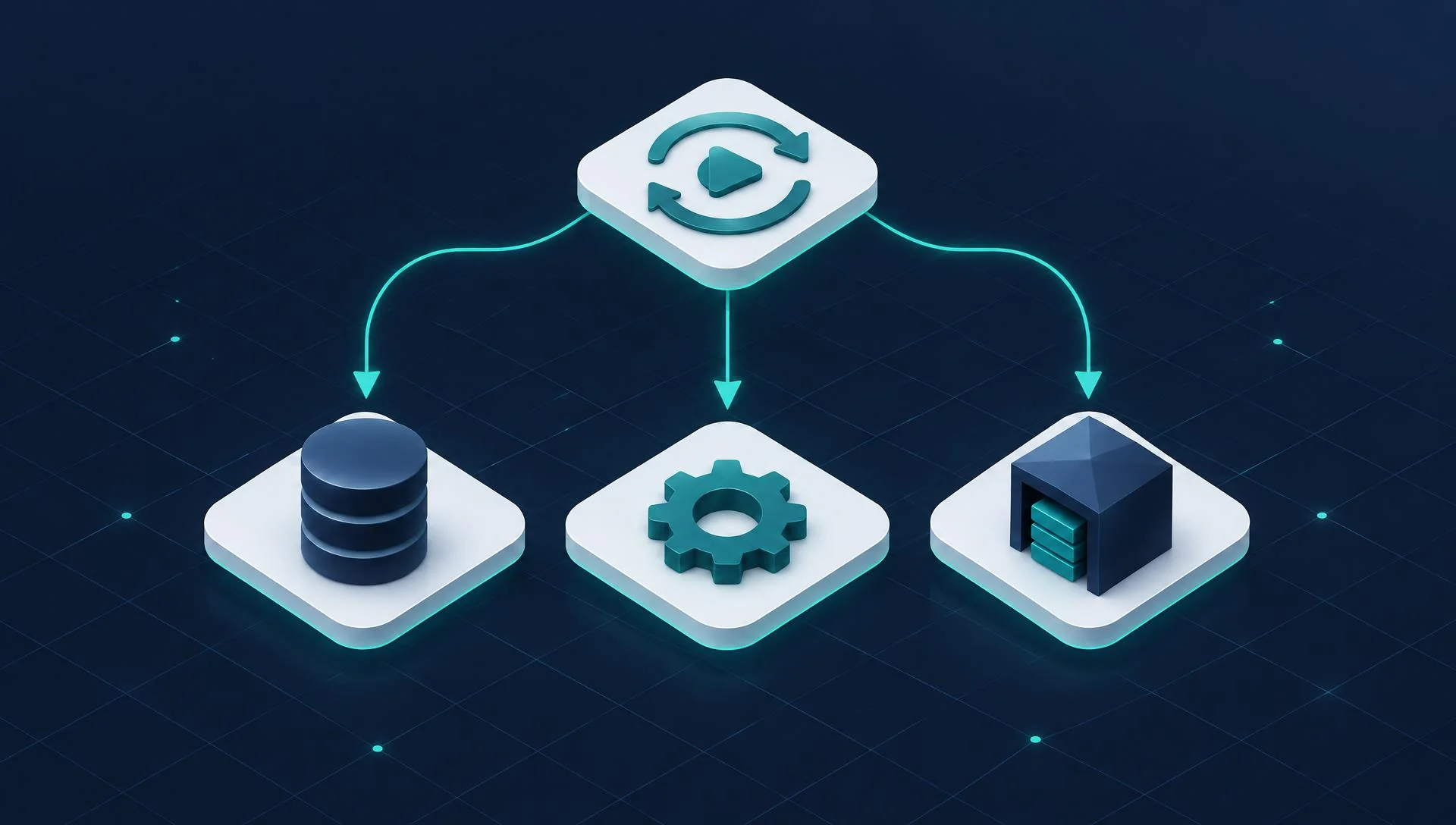
Data migration validation proves that the data in a new system is complete, correct and usable for the business before cutover. A finished migration job only shows that processing ended. Validation compares the source and target at the right grain, explains every difference, and records the evidence for a go or no-go decision.
This guide gives engineers a practical sequence: agree the contract, run fast volume checks, compare keys, fingerprint rows, test business rules, and keep evidence. The SQL examples are illustrative and use generic ANSI SQL; adjust functions for your platform.
Agree the validation contract first
Before writing a query, write down what "correct" means for each critical table or report:
- Scope: which tables, partitions, date ranges and record statuses are in the migration.
- Keys: the business key that identifies one record in both systems, for example
order_idplusline_id. - Mappings: renamed columns, type changes, lookups, splits and merges.
- Exclusions: records intentionally not migrated, such as test accounts or closed records older than seven years.
- Tolerances: approved numeric differences, for example rounding to two decimal places.
- Cutoff: the extraction timestamp and timezone, and how changes after the cutoff are handled.
Without this contract, a "mismatch" can be two different reporting windows rather than a defect.
Step 1: Compare volumes
Row counts are the cheapest check and catch truncated loads, duplicate loads and failed partitions. Compare per partition, not only in total, so one missing day is not hidden by extra rows elsewhere.
-- Run in both systems for the same cutoff
SELECT order_date, COUNT(*) AS row_count
FROM sales.order_lines
WHERE order_date BETWEEN DATE '2026-01-01' AND DATE '2026-06-30'
  AND status <> 'TEST'
GROUP BY order_date
ORDER BY order_date;
A matching count is necessary, not sufficient. It does not show that the right records arrived or that values survived.
Step 2: Compare keys
Find records present on one side only. Load the source keys into the target platform (or a neutral comparison area) and run a full outer join.
SELECT COALESCE(s.order_id, t.order_id) AS order_id,
       COALESCE(s.line_id,  t.line_id)  AS line_id,
       CASE WHEN t.order_id IS NULL THEN 'missing_in_target'
            WHEN s.order_id IS NULL THEN 'unexpected_in_target' END AS issue
FROM src_order_lines s
FULL OUTER JOIN tgt_order_lines t
  ON s.order_id = t.order_id AND s.line_id = t.line_id
WHERE s.order_id IS NULL OR t.order_id IS NULL;
Also check that the key is unique on each side. A duplicate key in the target often means a join fanned out during transformation.
SELECT order_id, line_id, COUNT(*) AS copies
FROM tgt_order_lines
GROUP BY order_id, line_id
HAVING COUNT(*) > 1;
Step 3: Fingerprint rows to find changed values
For large tables, comparing every column directly is slow. Build a hash of the normalised columns on each side and compare the hashes per key. Normalise first, or harmless formatting differences will show as mismatches.
SELECT order_id, line_id,
       MD5(CONCAT_WS('|',
         TRIM(UPPER(customer_code)),
         CAST(ROUND(net_amount, 2) AS VARCHAR),
         CAST(CAST(order_ts AT TIME ZONE 'UTC' AS DATE) AS VARCHAR),
         COALESCE(currency, '~NULL~')
       )) AS row_hash
FROM tgt_order_lines;
Use the same expression in the source. Then join on the key and list rows where the hashes differ. Common normalisation rules:
- Trim whitespace and fix letter case for codes.
- Round decimals to the agreed precision before hashing.
- Convert timestamps to one timezone.
- Replace NULL with an explicit marker so NULL and empty string are not treated as equal by accident.
Step 4: Drill into mismatched columns
A hash tells you that a row differs, not why. For the mismatched keys only, compare column by column so the engineer gets a specific finding.
SELECT s.order_id, s.line_id,
       s.net_amount AS source_value, t.net_amount AS target_value,
       t.net_amount - s.net_amount AS difference
FROM src_order_lines s
JOIN tgt_order_lines t USING (order_id, line_id)
WHERE ABS(t.net_amount - s.net_amount) > 0.01;
Step 5: Reconcile aggregates and business rules
Business users judge a migration by the numbers they report. Reconcile totals at the grain they use, such as revenue by month and region, and test the transformation rules directly.
| Check | Expectation | Example failure |
|---|---|---|
| Aggregate | Monthly net revenue matches by region | One region is short after a lookup change |
| Rule | Net amount equals quantity times price minus discount | Discount added instead of subtracted |
| Reference | Every customer_code resolves to an active customer | Codes from a retired system have no match |
| Type | Dates keep their original calendar day | UTC conversion moves late orders to the next day |
| Nulls | Mandatory columns are populated | Default value hides a missing source field |
Matching totals do not replace record checks: two errors can cancel out in a sum.
Step 6: Validate incremental loads and cutover
Most migrations run a full load followed by delta loads until cutover. Test inserts, updates and deletes that happen after the initial load, plus late-arriving records. On cutover day, re-run the volume, key and aggregate checks against the final cutoff and compare them with the agreed thresholds.
Keep evidence for the go or no-go decision
For each run, keep the contract version, scope, timestamps, check results, mismatched keys, and the decision for each exception: fix the data, fix the mapping, accept with an approver and a reason, or block cutover. This record answers the audit question "how do you know the data is right?" months later.
When to automate
Hand-written SQL works for a pilot table. It becomes hard to maintain across hundreds of tables, repeated test cycles and different source and target platforms. Automate when you need to rerun the same comparisons every cycle, compare systems that cannot be joined directly, or give owners a shared view of exceptions.
DataTrust automates source to target comparison, reconciliation and validation rules across databases, files and cloud platforms, and keeps the results as evidence. See how it supports migration testing, or use the data migration testing and cutover checklist to plan the wider test cycle. Moving governance metadata such as a Microsoft Purview glossary, classifications and lineage is a different project; see the Purview Migration Accelerator.
Frequently asked questions
What is the difference between data migration testing and data migration validation?
Migration testing covers the whole test cycle, including environments, mappings and cutover rehearsals. Validation is the part that compares source and target data and proves the result is complete and correct.
Are row counts enough to validate a migration?
No. Row counts catch missing or duplicated loads, but not changed values, wrong mappings or records swapped between keys. Combine counts with key comparison, row fingerprints and business rule checks.
How do I validate tables with millions of rows?
Compare counts and aggregates per partition first, then compare row hashes per key, and only drill into individual columns for the rows whose hashes differ.
How should tolerances be handled?
Agree them in the validation contract, such as rounding to two decimal places, and apply them consistently. A tolerance is an approved rule, not a way to hide an unexplained difference.