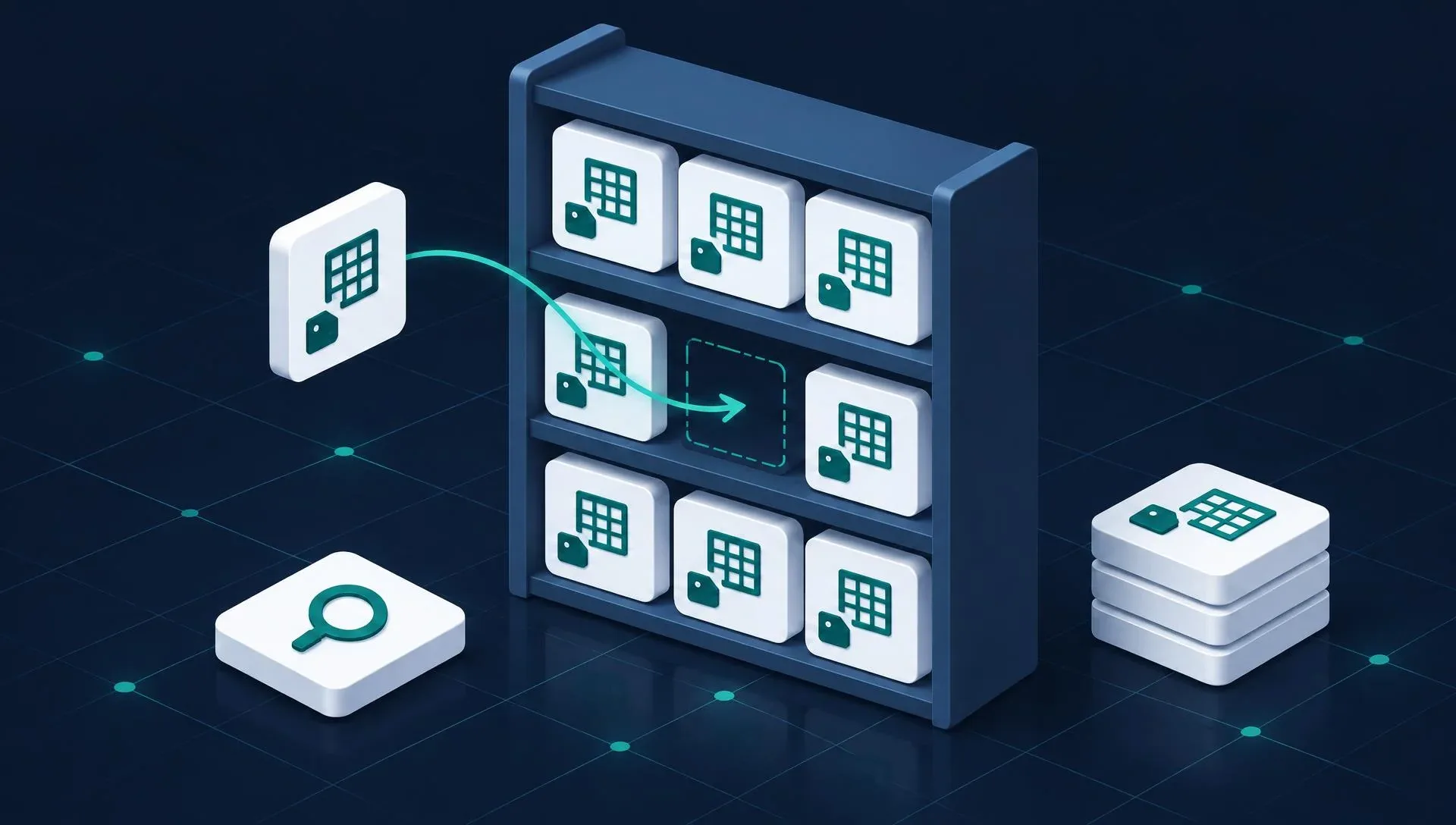
A data catalog is an organized inventory of an organization's data. It records what data exists, where it lives, what it means, who owns it and how sensitive it is, so people can find the right data and decide whether to trust it.
This guide explains what a data catalog is, what it contains, how it works, the main types and what to look for. For how RightData approaches cataloging, see DataMarket's data catalog.
Why organizations need a data catalog
As data spreads across warehouses, lakehouses, BI tools and business applications, teams lose track of it. Analysts recreate tables that already exist, different reports use different definitions of the same metric, and nobody is sure which dataset holds sensitive fields. A data catalog gives everyone one place to search for data and see its context before using it.
What a data catalog contains
- Technical metadata: databases, schemas, tables, columns, data types and where each asset is stored.
- Business context: descriptions, glossary terms and the business meaning of fields and metrics.
- Ownership: the owners and stewards responsible for each asset.
- Sensitivity and classification: tags that show which data is personal, confidential or restricted.
- Lineage: where data comes from and which reports and models depend on it.
- Trust signals: quality scores, certification and usage, so users can judge whether data is fit for purpose.
How a data catalog works
- Connect: the catalog connects to data platforms and collects metadata, or imports it from existing catalogs.
- Enrich: owners and stewards add descriptions, glossary terms, classifications and ownership.
- Search: users search by name or by business meaning to find relevant assets.
- Evaluate: users review context, lineage and quality before choosing data.
- Use: users request access or query the data under the organization's policies.
Types of data catalog
- Platform-native catalogs are built into one data platform and are strongest for data inside that platform.
- Standalone enterprise catalogs connect to many sources and focus on search, discovery and a single record of metadata.
- Catalogs inside a data marketplace add governed data products that users request, with approvals recorded and access enforced when data is used.
Data catalog vs data marketplace
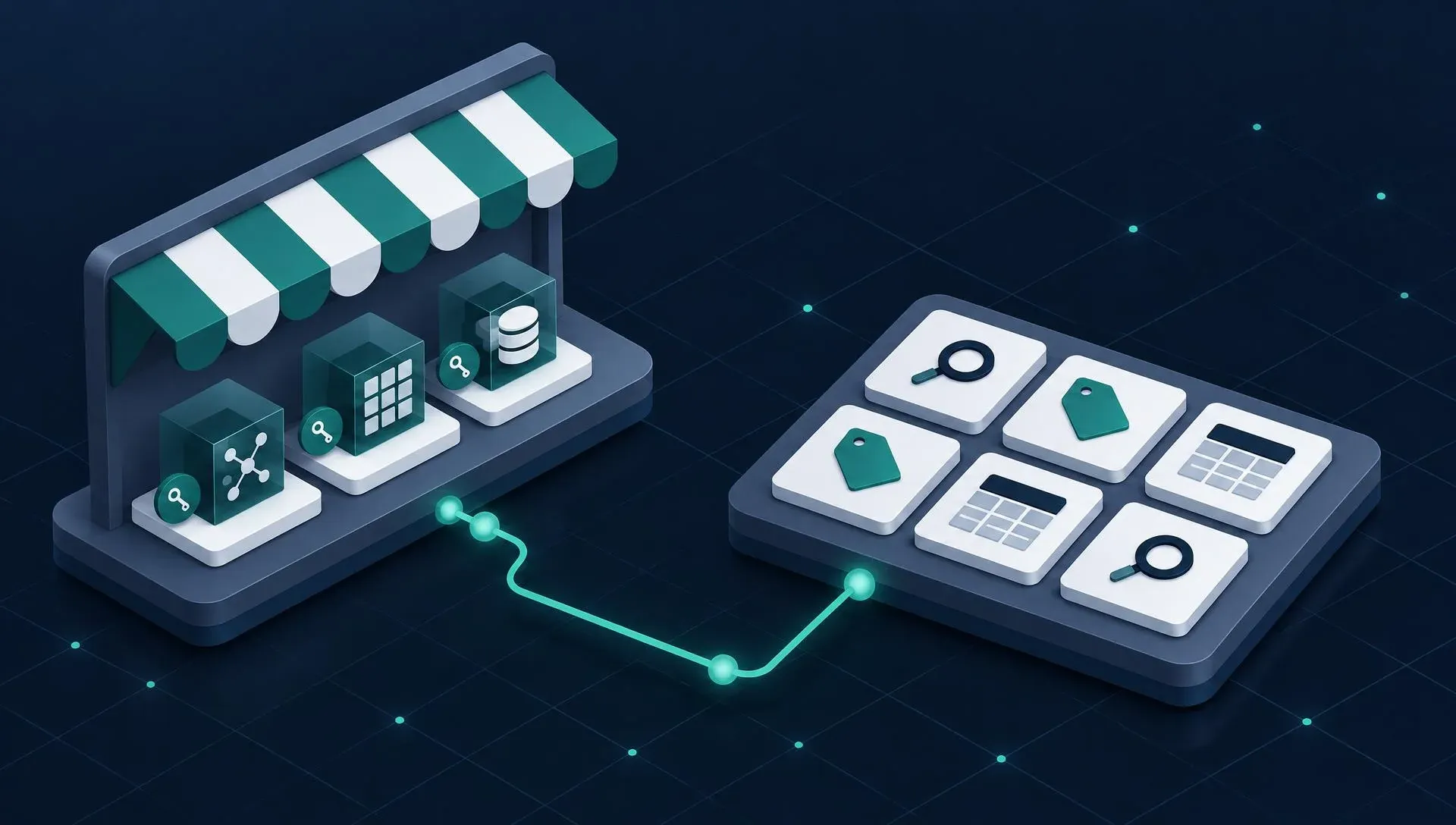
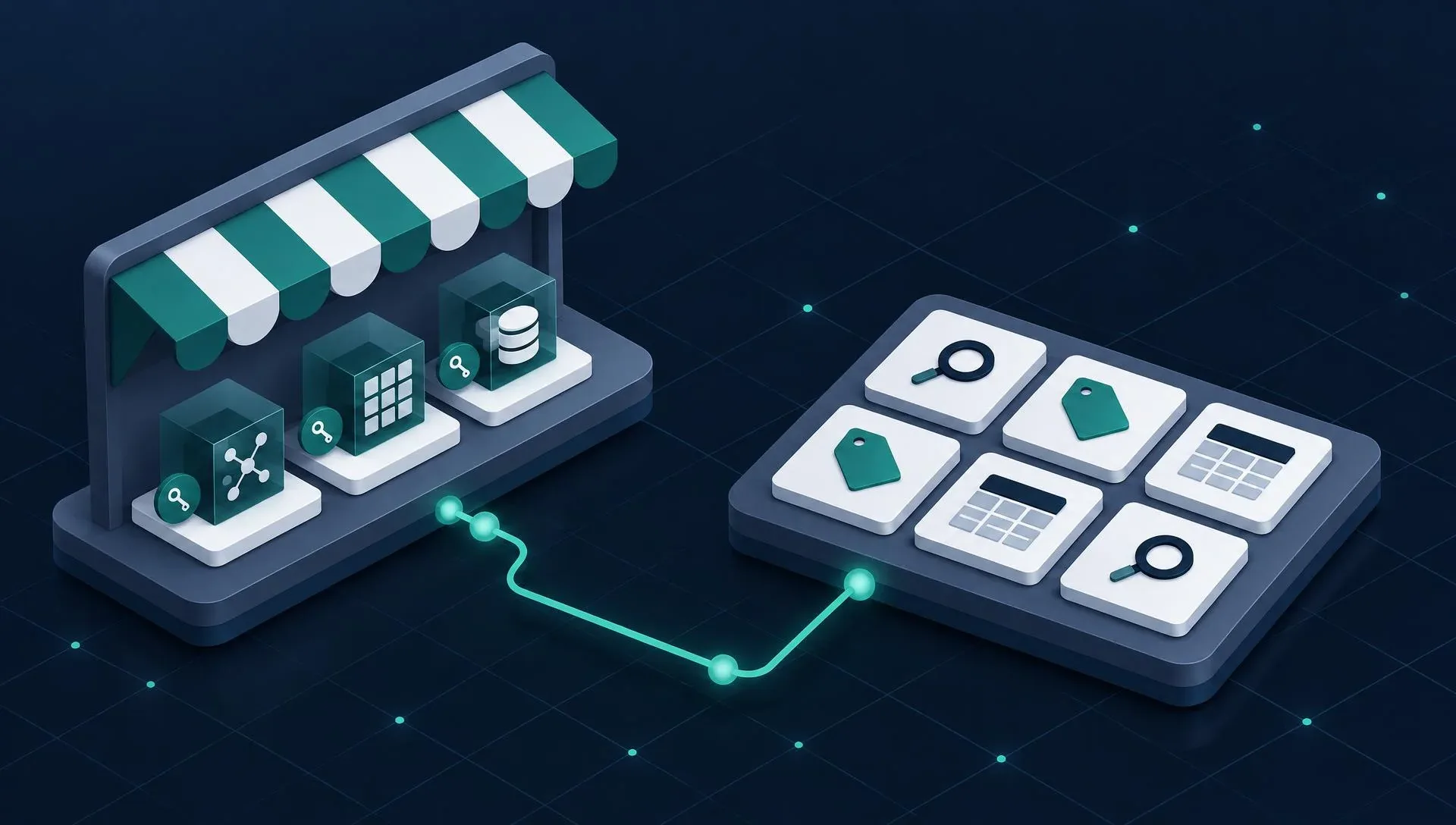
A data catalog helps people find and understand data. A data marketplace adds the next step: owners publish data as governed data products, users request them and approvals are recorded. Many organizations need both, and some platforms combine them.
What to look for in a data catalog
- Search by business meaning, not only by table name.
- Coverage of every platform where your governed data lives.
- Clear ownership, stewardship and certification workflows.
- Sensitivity classification connected to access policy that is actually enforced.
- Lineage and quality signals visible next to each asset.
- A path from finding data to using it safely.
How DataMarket approaches it
DataMarket combines a data catalog with a governed data marketplace. Users search by meaning and get natural-language answers from Ask Albus. Owners publish governed data products that users request, with every approval recorded. Four sensitivity levels drive masks and row filters applied at query time for each user. Data products can carry certified business metrics, quality scores and DataTrust reconciliation results. DataMarket works alongside Databricks, Snowflake, Microsoft and SAP, and can import catalog inventory and tags from Microsoft Purview and Unity Catalog instead of re-scanning.
To compare approaches, read the data catalog tools comparison, or see DataMarket vs Alation and a data catalog for Snowflake.
FAQ
What is a data catalog in simple terms?
A data catalog is a searchable inventory of an organization's data that shows what each dataset is, what it means, who owns it and whether it can be trusted.
What is the purpose of a data catalog?
Its purpose is to help people find the right data quickly, understand it and use it consistently and safely, instead of recreating or misusing data.
What is the difference between a data catalog and a data dictionary?
A data dictionary describes the fields of a specific database. A data catalog covers data across many systems and adds business context, ownership, lineage and trust signals.
Who uses a data catalog?
Analysts, data scientists and business users use it to find data; owners and stewards use it to document and govern data; governance teams use it to track sensitivity and ownership.
Do you need a data catalog before a data marketplace?
Not necessarily. Some platforms, such as DataMarket, include a catalog inside the marketplace, so cataloging and governed sharing happen in one place.
What is an example of a data catalog?
A sales analyst searches the catalog for "customer revenue", finds a certified table with its owner, definition, sensitivity and quality score, and requests access instead of building a new table. Platform-native catalogs, standalone enterprise catalogs and catalogs inside a data marketplace such as DataMarket all support this kind of search.
What are the benefits of a data catalog?
A data catalog reduces time spent searching for data, avoids duplicate tables and conflicting metric definitions, makes ownership and sensitivity visible, and supports governance and compliance reviews.
What is data catalog software?
Data catalog software is the tool that collects metadata from your data platforms, lets owners add business context, and lets users search and evaluate data. See how DataMarket's data catalog works across Databricks, Snowflake, Microsoft and SAP.
Request a Demo to see DataMarket's data catalog and governed data products on your data.